

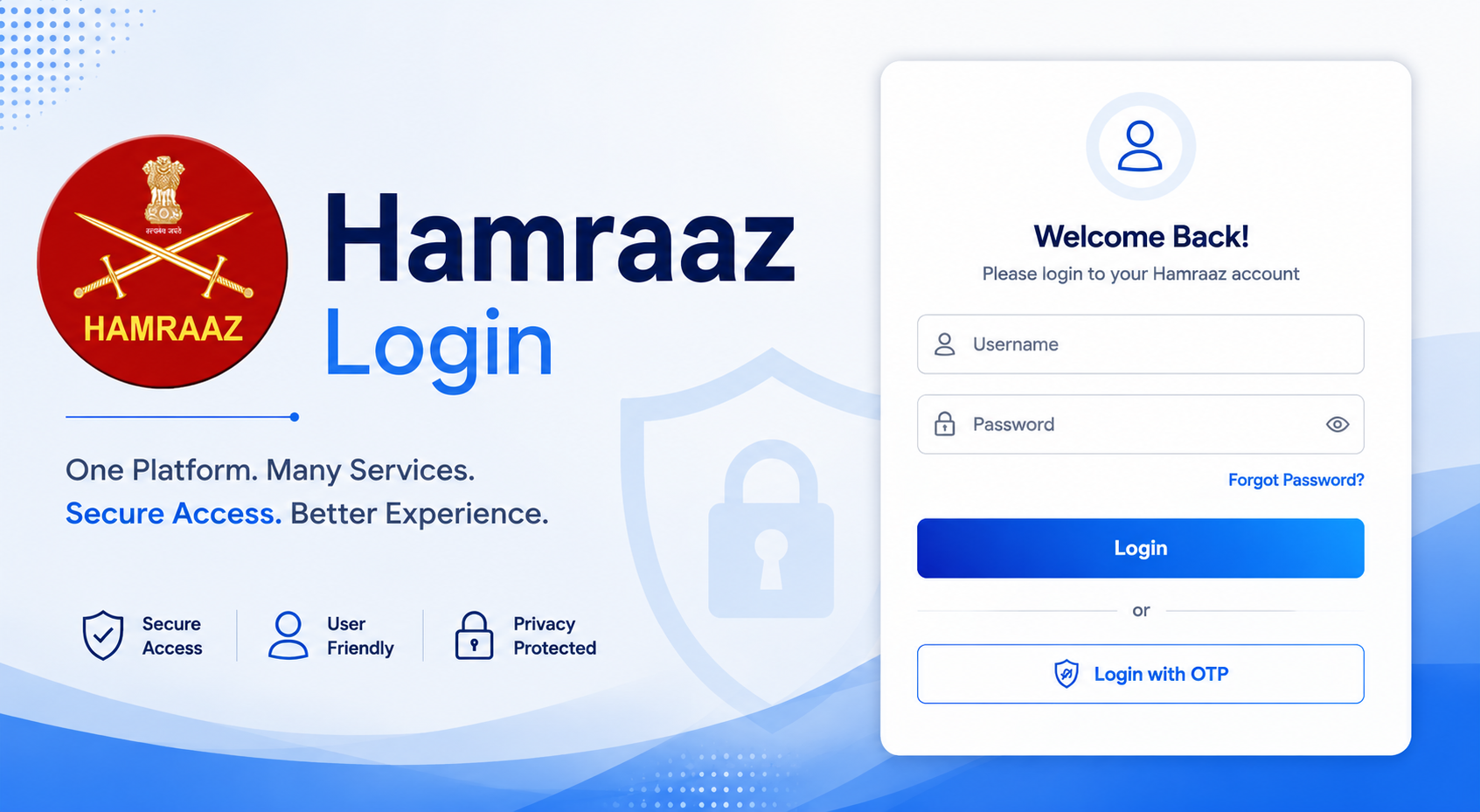
You serve in the Indian Army. Managing your payslips, promotions, and records should feel straightforward. That’s exactly where the hamraaz login comes in. This official platform gives you quick access to important information without endless paperwork or visits to offices. Whether you need your latest salary details or want to check postings, the system puts control right in your hands. Many soldiers now rely on it daily for smooth updates.
The convenience stands out especially during busy postings. You can handle tasks on your phone or computer whenever time allows. No more waiting in lines or depending solely on unit clerks. The hamraaz login process focuses on security while keeping things user-friendly for army personnel.
What Is Hamraaz and Why Was It Developed?
The Indian Army created Hamraaz to support its soldiers better. It started as a mobile app and later expanded into a full web portal. The goal was simple: give serving personnel fast, reliable access to their own service records.
Before this system, getting basic details often took time and coordination. Now you can view updates directly. This change has made life easier for junior commissioned officers and other ranks alike. The platform connects you with your career information in one secure place.
It reflects the Army’s push toward digital tools that actually help in daily routines. You stay informed about changes that affect your pay and postings without extra hassle.
Key Features of the Hamraaz Platform
The Hamraaz app brings several useful tools together. You can track your postings and see promotion updates as they happen. Official notifications and circulars appear right there too.
Downloading your monthly payslip becomes quick work. The same goes for Form 16. These features save you time and reduce stress around financial paperwork.
Mobile App Highlights
On your Android device, the app feels lightweight yet powerful. You register once and gain access to service records anytime. Many users appreciate how it keeps everything organized in one spot.
Push notifications alert you about important updates. This setup helps you stay current even when posted in remote areas.
Web Portal Capabilities
The web version at hamraazmp8.gov.in offers extra options. Personal login lets you handle payslips and tax documents easily. There are separate logins for RO and unit administrators as well.
You also find details about scholarships for wards of army personnel. Everything stays protected behind proper verification steps.
Step-by-Step Guide to Hamraaz Login
Getting started takes a few careful steps. First, make sure your Aadhaar details link correctly with your Army records. Your registered mobile number must be active for OTPs.
Preparing for Your First Login
Check that you have the latest app version from official stores. Avoid third-party downloads to keep your information safe. A stable internet connection helps during registration.
Registering on Hamraaz App
Open the app and follow the signup prompts. Enter your Army number and verify through Aadhaar. You will set a strong password at this stage.
Keep that password private. This one-time process unlocks both the app and web portal for future use.
Logging into the Hamraaz Web Portal
Visit the official site and choose Personal Login. Enter your credentials along with the CAPTCHA. The system may send an OTP to confirm your identity.
Once inside, the dashboard shows clear options. You move between sections without confusion.
Downloading Payslips and Important Documents
Select the month and year you need. Click to generate the PDF. Save the file on your device for your records.
Repeat the process whenever you want fresh copies. Many soldiers download Form 16 around tax time this way.
Security Best Practices for Hamraaz Login
Your information deserves strong protection. Always use the exact official link: hamraazmp8.gov.in. Turn off location services, WiFi, and Bluetooth when not needed on your device.
Lock your phone with a PIN and restart it weekly. Download apps only from trusted stores. These habits make a real difference in keeping your account secure.
Change your password from time to time. Never share login details with anyone. If something feels off, log out immediately and report it through proper channels.
Common Problems and Solutions
Sometimes sessions expire or tokens become invalid. Log in again fresh when this happens. Clear your browser cache if the web portal acts slow.
Forgot your password? Use the reset option in the app. Make sure your mobile number stays updated in Army records for OTP delivery.
If the portal shows errors during peak hours, try again later. Your unit’s IT support can help with persistent issues.
Benefits of Using Hamraaz for Army Personnel
You gain independence in handling your records. Payslips, service details, and notifications reach you faster. This transparency builds confidence in your career management.
Families benefit too through scholarship information. Overall, the system reduces administrative burden and lets you focus more on your duties.
Soldiers posted far from home especially value the anytime access. It brings a sense of control in a structured profession.
FAQ
What is the official Hamraaz login website?
The main portal is hamraazmp8.gov.in. Always type it directly or use saved bookmarks from official Army sources.
Do I need the Hamraaz app to access the web portal?
Yes, registration through the app usually comes first. It sets up your credentials for the web version.
How can I reset my Hamraaz login password?
Go to the Forgot Password option in the app or portal. Follow the prompts with your Army number and OTP.
Is Hamraaz available for retired personnel or only serving soldiers?
It mainly serves active personnel. Check with your unit for any specific retired access options.
What documents can I download after successful Hamraaz login?
You can get payslips, Form 16, and certain service records. Scholarship details for wards are also available.
How do I ensure my Hamraaz login is secure?
Stick to official links, use strong unique passwords, and keep your device updated. Log out after every session.
Wrapping Up
The hamraaz login gives you practical control over your service information. Use it regularly for payslips and updates. Stick with official channels to avoid risks.
Take a few minutes to set everything up properly. Once done, you will appreciate the simplicity it brings to your routine. Share this guide with fellow soldiers who might need it. Your feedback on the platform can help improvements too. Stay secure and informed every step of the way.
 PreetiJha
  varsha